UnClip
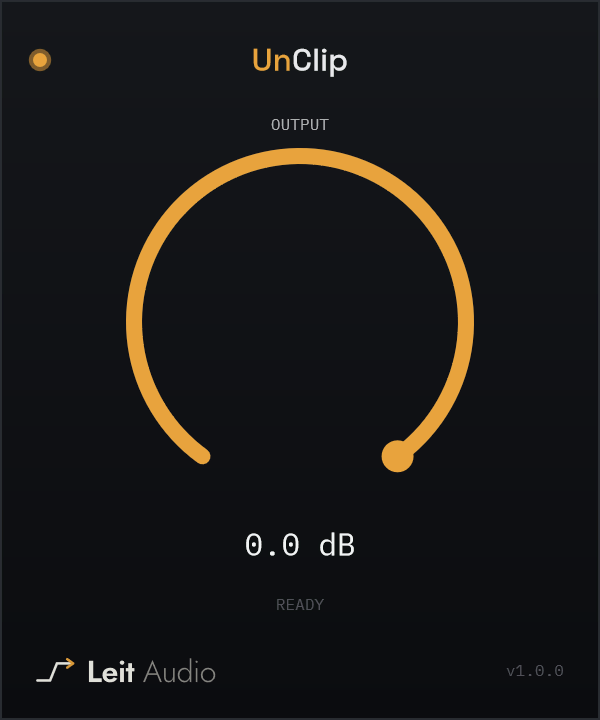
UnClip repairs short peaks damaged by hard digital clipping. It detects flat-topped overloads, reconstructs a plausible waveform through the damaged area, and changes only the samples it identifies as clipped. There is no threshold or repair amount to set — insert it on the damaged track, create output headroom if needed, and let it work.
All currently released Leit Audio plugins are free to download and use.
Check your inbox to activate your account — we emailed you a confirmation link, and it may have landed in spam. Then sign in to download.
Confirm your email address to unlock downloads — check your inbox for the link.
Didn’t get it?
Repair the peak, not the whole signal.
UnClip looks for the shape of hard clipping instead of assuming the damage sits at 0 dBFS, so it can still recognize peaks that were clipped and turned down later.
Accepted flat-topped peaks are reconstructed from the clean samples around them. Only the samples identified as clipped are written back to the output.
Output trims the reconstructed signal by up to 24 dB when you need headroom for repaired peaks before EQ, compression, saturation, or export.
For audio worth saving from clipping.
Free account required. No trials. No subscriptions. No in-plugin activation.